

Table of Contents
Share On


Bulk Return To Sender (RTS) Order Creation In OMS
Learn how to create multiple Return to Sender (RTS) orders in Omniful OMS using bulk CSV upload, including step-by-step instructions and sample sheet details.
Version: v1.0
Owner: Omniful Product Team
Summary
The new Bulk Return to Sender (RTS) feature in the OMS allows users to quickly create multiple RTS orders at once using a CSV file upload. From the Return to Sender module, users can choose the Bulk option, select the seller, choose whether the items are QC Passed or QC Failed, and specify who the items should be returned to (such as the seller or supplier). After downloading and filling the sample file, users upload it to generate multiple RTS orders in a single action. Once created, the orders appear in Live Orders, where users can open them, review the details, and download the same reference file used during creation. This helps streamline the RTS workflow, especially when dealing with many items or multiple SKUs.
How It Works
- Navigate to Orders → Create Order → Return to Sender module.
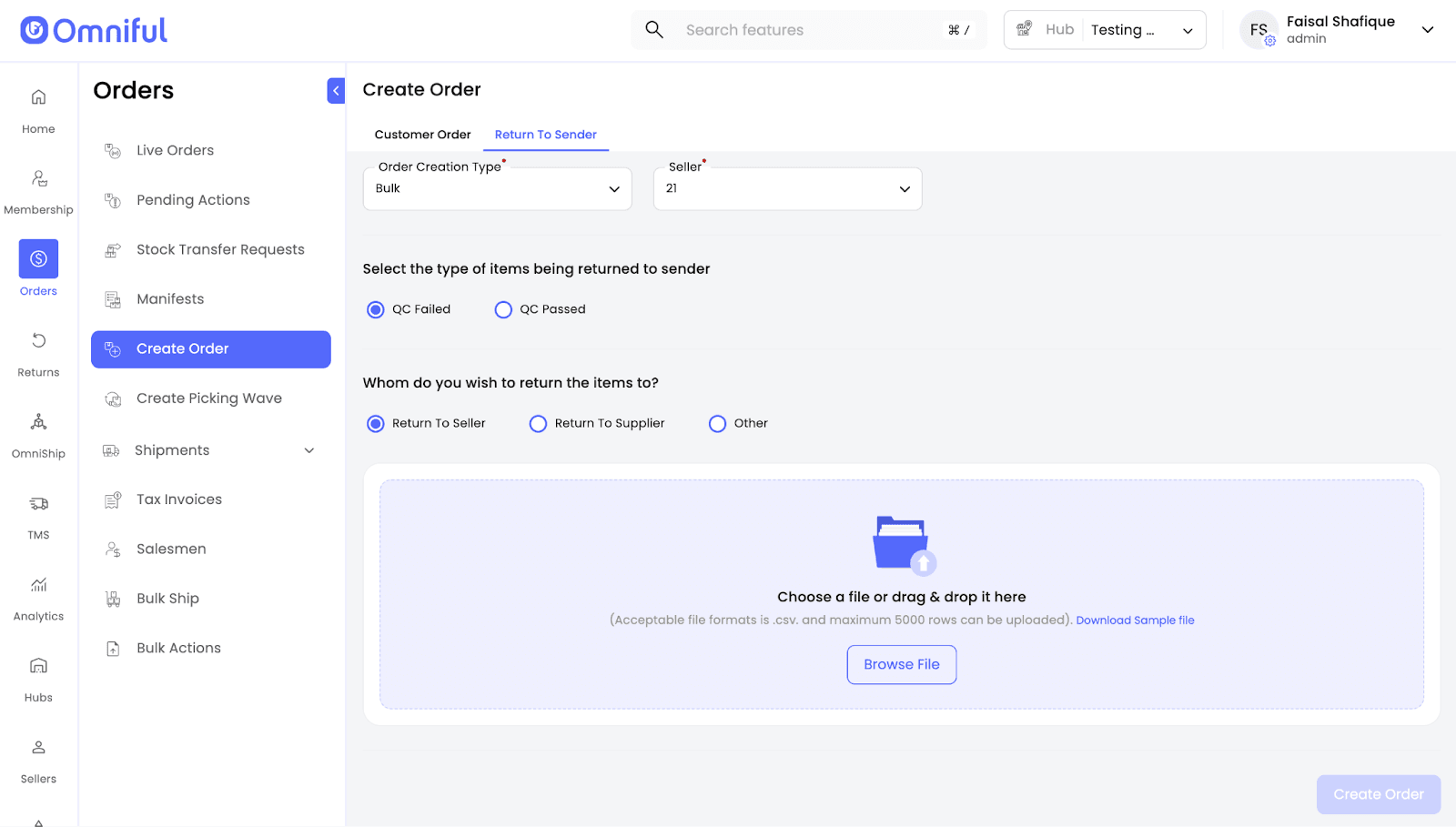
- Select the Bulk creation option.

- Choose the Seller for whom the RTS orders will be created.
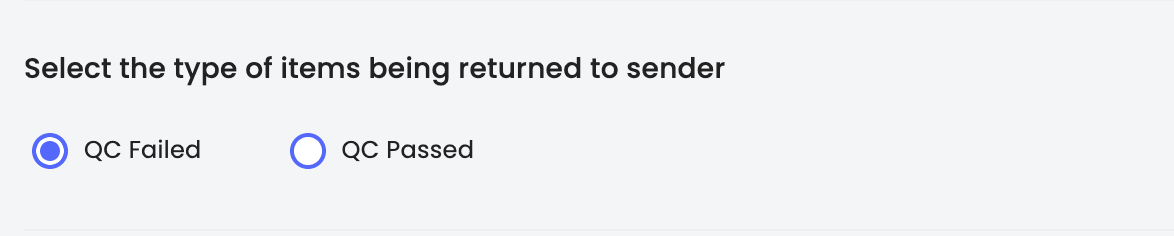
- Select whether the items are QC Failed or QC Passed.
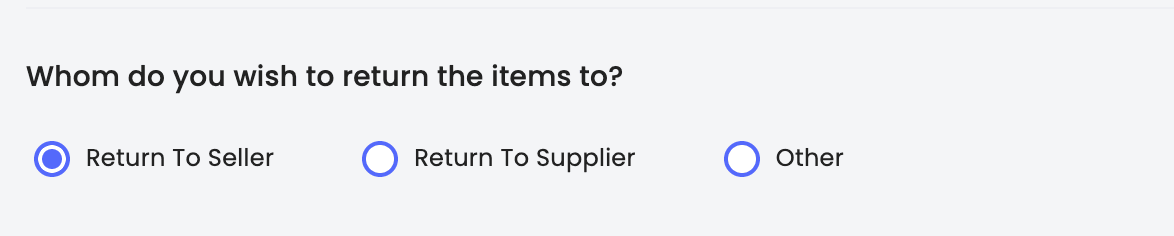
- Choose the return recipient — Seller, Supplier, or Someone Else.
- Download the sample file and fill in the required item details.

- Upload the completed file.
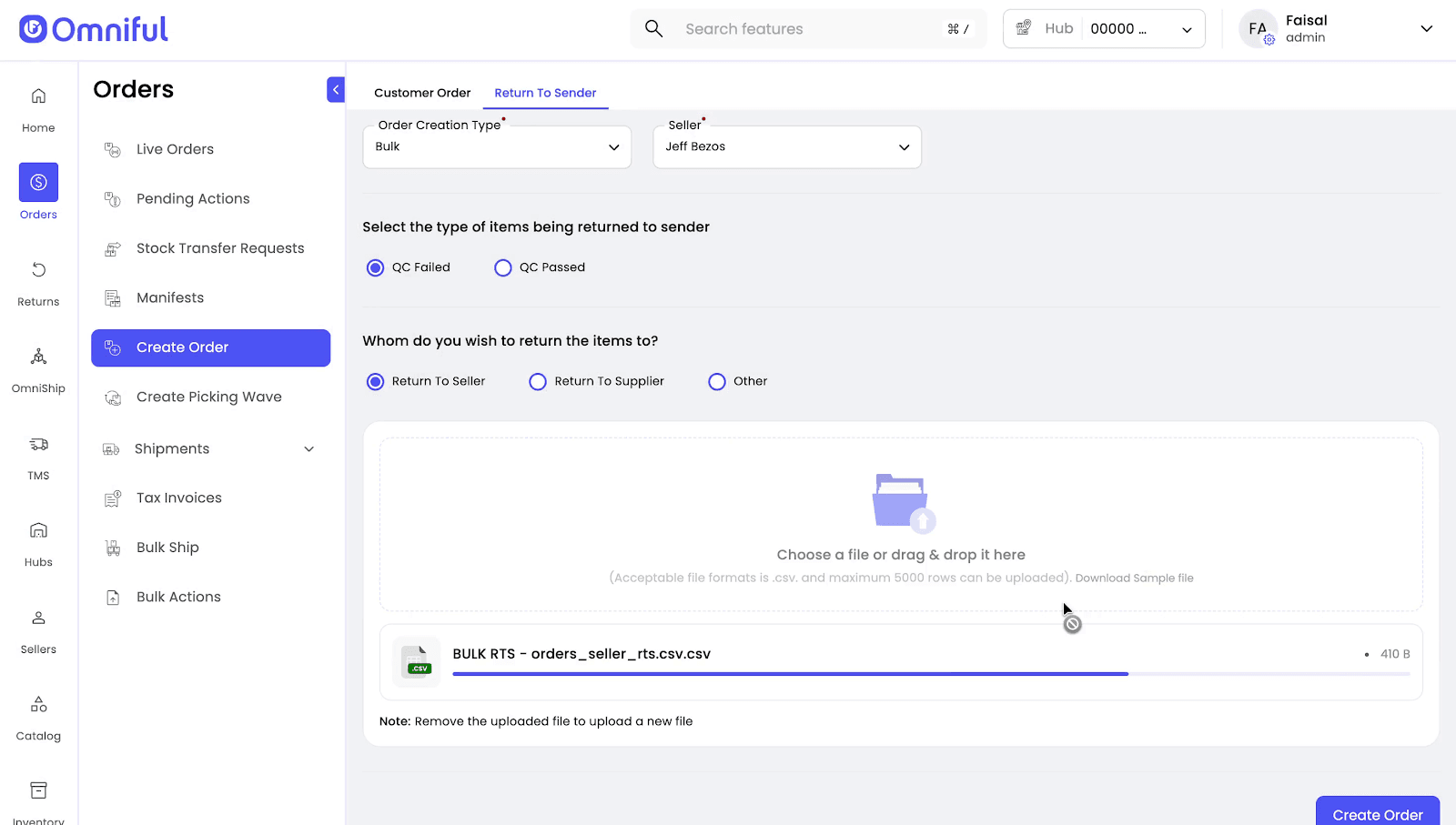
- Click Create Order to generate RTS orders in bulk.
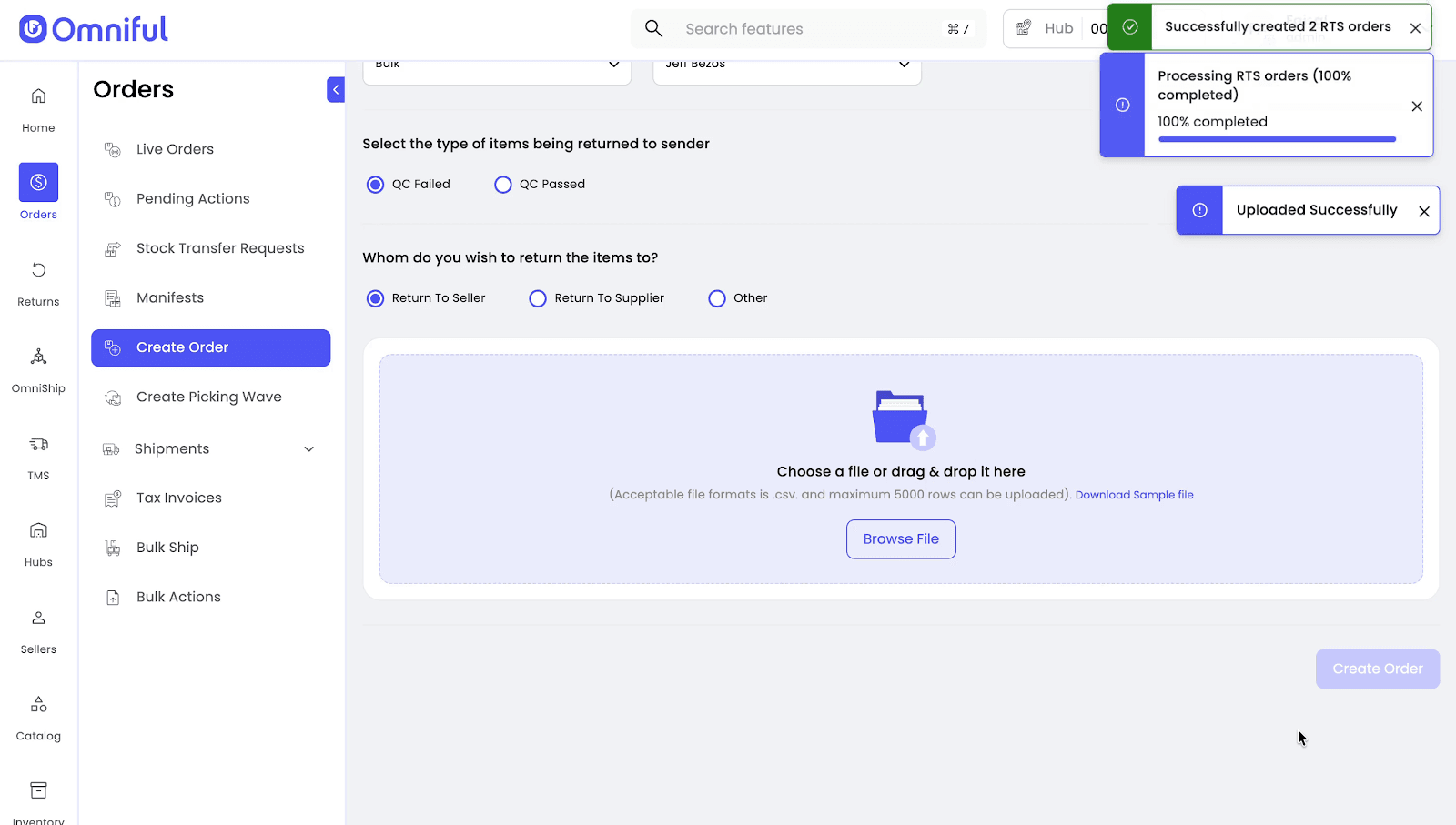
- Successfully created orders will appear in Live Orders, and the reference file can be downloaded.

Sample Sheet Columns Overview
| Column | Explanation |
|---|---|
| order_number | Unique RTS order number. |
Example: RTS-01 | |
| seller_sku_code | SKU code exactly as defined in Omniful. |
Example: SKU01 | |
| quantity | Units being returned; must be positive integers. |
| total | Line total = quantity × unit_price. |
| currency | ISO currency code (e.g., SAR, AED). |
| payment_status | prepaid or postpaid. |
| delivery_type | Type of delivery mode. |
Example: normal, express. | |
| supplier_code | Exact supplier code present in Omniful (Supplier RTS only). |
| recipient_name | Name of the recipient (Other RTS only). |
| Example: Abdullah | |
| shipping_address | Address of the recipient (Other RTS only). |
| Example: 123 Main Street | |
| shipping_city | City of the recipient (Other RTS only). |
| Example: Riyadh | |
| shipping_country_code | Country code of the recipient (Other RTS only). |
| Example: SA | |
| shipping_country | Country name of the recipient (Other RTS only). |
| Example: Saudi Arabia | |
| shipping_region | Region of the recipient (Other RTS only). |
| Example: SA | |
| recipient_country_calling_code | Country calling code. |
| Example: 966 | |
| recipient_phone | Phone number of the recipient (Other RTS only). |
| recipient_email | Email of the recipient (Other RTS only). |
| tax_inclusive | TRUE/FALSE — whether unit_price includes tax. |
| unit_price | Price per SKU unit. |
| tax_percent | Applicable tax percentage. |
| reference_order_id | Reference order ID for traceability. |
| order_note | Optional remarks about the order. |
| Example: QC failed. |
Technical Details
- Multiple RTS orders can be generated in a single upload.
- Each RTS order may contain multiple SKUs.
- The reference file uploaded during bulk creation remains available for download under Order Logs in the Order Details side sheet.
- The system validates uploaded rows and creates RTS orders accordingly.