Systems Integrations for SaaS: Connect Business Software Faster
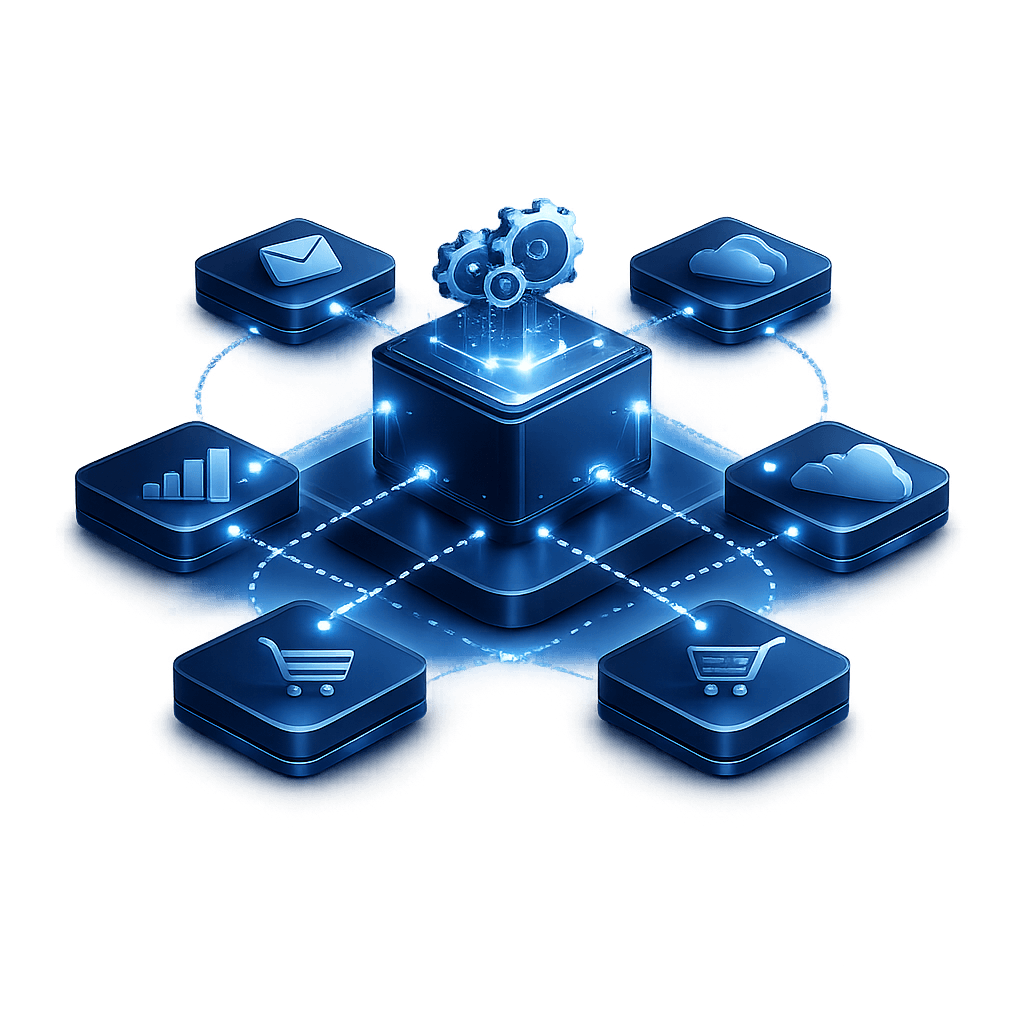
Table of Contents

Share On


Systems Integrations for SaaS: Connect Business Software Faster
Modern businesses do not struggle because they lack software. They struggle because their software does not work together fast enough.
Sales uses one platform. Operations uses another. Finance depends on a separate tool. Customer support, inventory, shipping, reporting, and procurement often sit in disconnected systems. As teams grow across cities, countries, and business units, those gaps create delays, duplicate work, and avoidable errors.
That is why Systems Integrations for SaaS has become a practical business priority, not just a technical one. Companies want to connect critical software in hours instead of months, reduce manual handoffs, and build workflows that scale across Saudi Arabia, the UAE, Qatar, and the wider MENA region.
This guide explains what systems integrations for SaaS means, why it matters, how businesses can implement integrations faster, what common blockers to avoid, and how to create a SaaS integration strategy that supports speed, control, and long-term growth.
What systems integrations for SaaS means
Systems Integrations for SaaS means connecting cloud-based business applications so data, actions, and workflows can move between them automatically.
Instead of asking teams to copy information from one platform to another, integrations let software share information directly through APIs, events, sync jobs, and workflow rules.
In simple terms, SaaS system integrations help businesses:
- Connect tools faster
- Reduce manual work
- Keep data consistent
- Speed up operations
- Improve visibility across teams
- Build more reliable business processes
This can include connections between:
- CRM and ERP
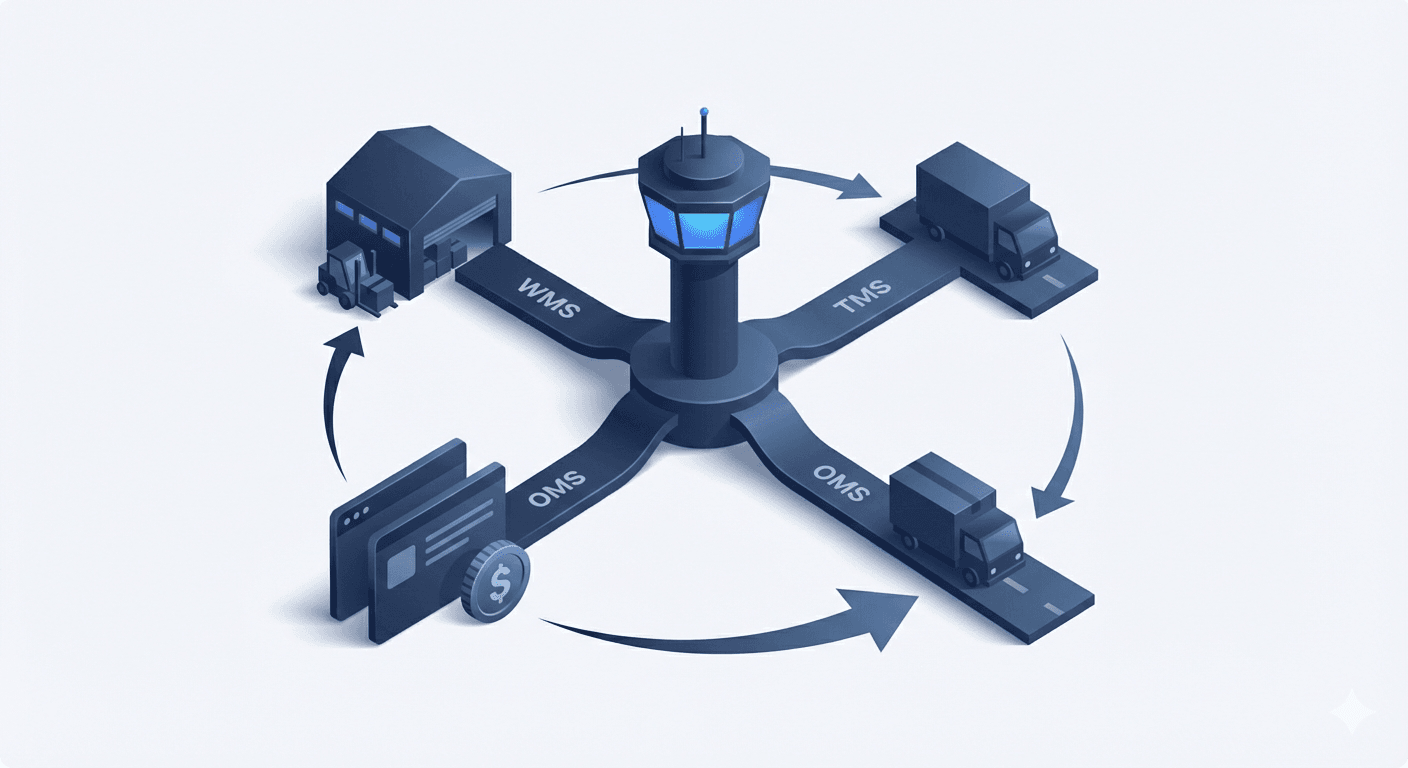
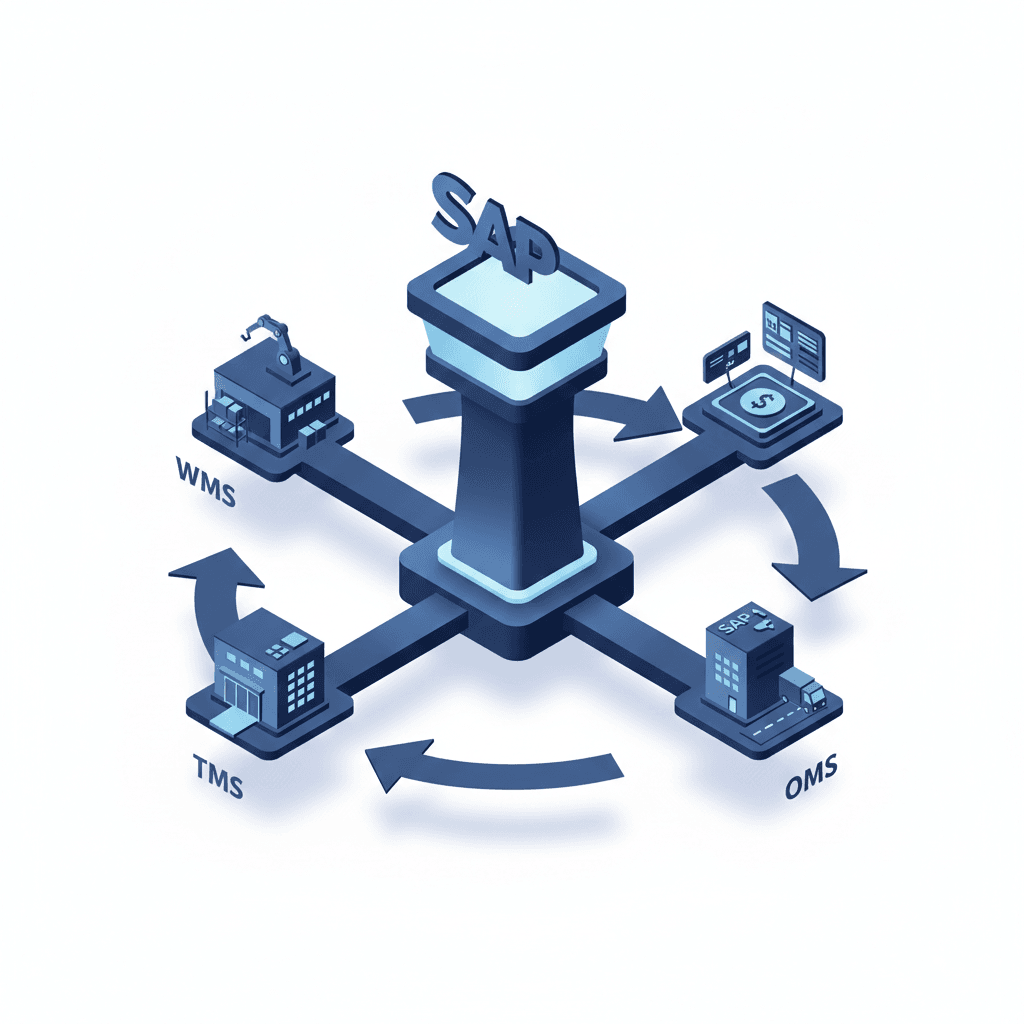
- Ecommerce platform and OMS
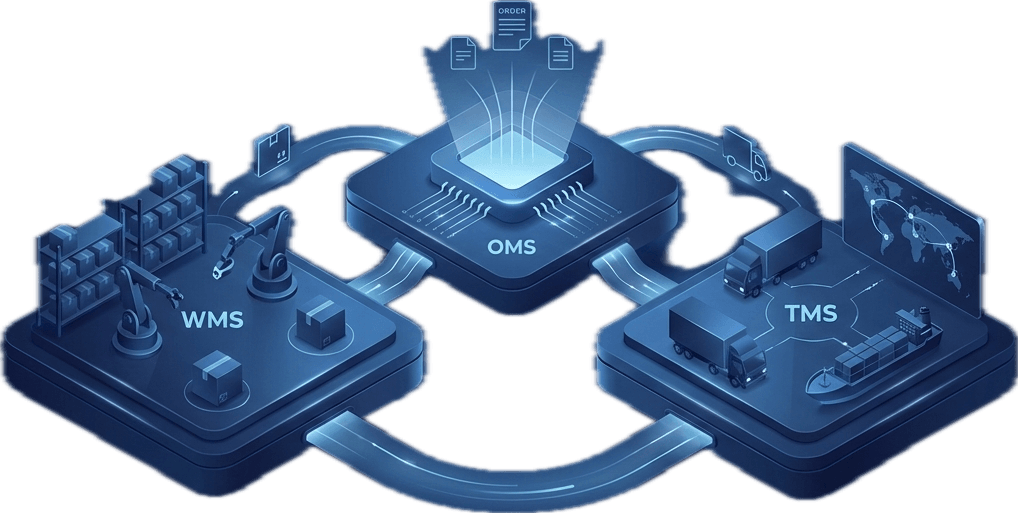
- WMS and TMS
- Finance system and billing platform
- Helpdesk and order system
- HR system and access control
- Analytics platform and operational tools
The goal is not just connectivity. The goal is useful connectivity that supports real business workflows.
Why businesses need faster SaaS system integrations
Disconnected software creates friction at every stage of growth.
A business may have the right tools, but if those tools do not exchange data properly, teams end up relying on spreadsheets, email follow-ups, and manual reconciliation. That slows execution and reduces confidence in the data.
Fast SaaS integrations matter because they help businesses move from fragmented operations to connected execution.
Business impact of faster integrations
When integrations are done well, businesses can:
- Launch new workflows faster
- Reduce onboarding time for new teams
- Eliminate repeated data entry
- Improve response times
- Shorten order-to-cash cycles
- Reduce fulfillment and support delays
- Improve reporting accuracy
- Scale into new markets more smoothly
Why this matters even more for growing regional businesses
Businesses expanding across MENA often face:
- Multiple operational teams
- Different software stacks by market or entity
- Region-specific compliance or process needs
- Fast growth in transaction volume
- More cross-functional coordination
- Higher pressure to centralize visibility
Without business software integration, growth increases complexity faster than teams can manage it.
What slows down business software integration projects
Most integration delays are not caused by the API alone. They happen because businesses start without enough clarity.
Common reasons integrations take too long
- Unclear system ownership
- Undefined use cases
- Poor field mapping
- Inconsistent data structures
- Missing API documentation
- No test environment
- Too many custom rules from day one
- No fallback logic for sync failures
- No clear success criteria
The biggest hidden problem
Many companies approach integration as a technical connection instead of an operational workflow.
For example, connecting a CRM to an ERP is not just about passing customer data. It also requires clear logic for:
- When the data should sync
- Which system is the source of truth
- What happens if values conflict
- Which team owns issue resolution
- How status updates should flow back
The faster teams answer those questions, the faster quick software integrations become possible.
How to implement systems integrations for SaaS faster
Fast does not mean rushed. It means structured.
The best integrations move quickly because the scope is clear, the workflow is defined, and the first release focuses on the highest-value use case.
1. Start with one business outcome
Do not begin with “integrate system A with system B.”
Start with a specific business outcome such as:
- Create orders automatically from the storefront into the OMS
- Sync customer records from CRM to ERP
- Push shipment status updates into support tools
- Send invoice data from operations to finance
- Update stock across sales channels in near real time
A clear outcome makes the integration easier to design, test, and measure.
2. Define the source of truth
For every field and process, decide which system owns the final value.
Examples:
- Customer master may live in CRM
- Product master may live in PIM or ERP
- Inventory may live in WMS
- Shipment milestones may live in TMS
- Financial postings may live in ERP or accounting software
Without source-of-truth clarity, integrations create confusion instead of consistency.
3. Prioritize the minimum viable integration
Do not try to automate every exception on day one.
Start with the most important flow, then expand.
Good first-release scope
- Essential data fields only
- One-way or two-way sync with clear rules
- Core status mapping
- Basic error handling
- Logging and retry support
- Limited user permissions
- Sandbox testing before production
This approach reduces delays and lets teams see value earlier.
4. Standardize mappings early
Field mapping issues are one of the biggest causes of integration failure.
Document:
- Field names
- Required vs optional values
- Accepted formats
- Enum mappings
- ID relationships
- Timestamp logic
- Null-value behavior
This step may feel operational, but it often saves the most time.
5. Build with monitoring from the start
Fast SaaS integrations should never depend on silent syncs.
At minimum, teams should be able to see:
- Sync status
- Failed records
- Retry attempts
- API response errors
- Missing required fields
- Last successful sync time
Good visibility reduces troubleshooting time and builds trust in the integration.
6. Roll out in phases
Use a phased launch instead of a full system-wide rollout.
A simple rollout model:
- Sandbox testing
- Internal user validation
- Limited production pilot
- Controlled market or team rollout
- Full deployment
- Post-launch optimization
This helps businesses move quickly without losing control.
Core integration patterns businesses should understand
Not every integration needs the same architecture. The right model depends on speed, volume, reliability, and business criticality.
Real-time API integration
Best when data must move immediately.
Useful for:
- Order creation
- Status checks
- Inventory visibility
- Customer data validation
- Shipment updates
Scheduled sync
Best when immediate updates are not required.
Useful for:
- Daily reporting data
- Periodic master-data updates
- Low-frequency reconciliation
- Batch financial syncs
Event-driven integration
Best when systems need to react automatically to specific business events.
Useful for:
- New order placed
- Invoice generated
- Delivery completed
- Return initiated
- Customer created
- Stock level changed
Middleware or integration layer
Best when a business connects many systems and wants centralized orchestration.
Useful for:
- Routing data between multiple applications
- Applying transformation rules
- Managing retries and logs
- Reducing point-to-point complexity
- Supporting enterprise software integration at scale
What a strong SaaS integration strategy looks like
A good integration strategy is not just a list of connectors. It is a business plan for software connectivity.
The most effective strategies include
Clear priorities
Not every integration should happen at once. Focus first on processes that affect revenue, customer experience, speed, or control.
Standardized architecture
Define how systems will connect, how data will be mapped, and how errors will be handled.
Ownership and governance
Assign responsibility for:
- Business requirements
- Technical implementation
- Validation
- Monitoring
- Ongoing maintenance
Reusability
Design integrations so future teams can reuse logic, APIs, mappings, and workflow structures.
Business alignment
Every integration should solve a real operational need, not just create another technical dependency.
Questions to ask before starting
- What business problem does this integration solve?
- Which systems are involved?
- Which system owns the data?
- Does this need real-time or scheduled sync?
- What happens when a sync fails?
- Who monitors and supports it?
- How will success be measured?
How integrations support growing teams across MENA
As companies expand across Saudi Arabia, the UAE, Qatar, and nearby markets, the cost of disconnected software increases quickly.
Regional growth often brings:
- New warehouse or office locations
- More sales channels
- More legal entities
- More carrier or vendor systems
- More support teams
- More language and process variations
Systems integrations MENA businesses need are often driven by scale, not by software experimentation.
Typical regional needs
- Connect ecommerce platforms to backend operations
- Sync orders, inventory, and delivery statuses
- Standardize reporting across markets
- Reduce manual handoffs between regional teams
- Maintain visibility across hubs, branches, and countries
- Support faster go-live for new operational units
A strong integration platform for SaaS helps businesses expand without rebuilding the operating model from scratch each time.
Practical examples of fast SaaS integrations
The best way to understand integration value is to look at practical workflows.
CRM to ERP integration
A sales team closes a deal in the CRM.
The integration automatically:
- Creates the customer in the ERP
- Passes billing details
- Sends tax and entity fields
- Triggers onboarding workflow
- Notifies finance and implementation teams
Result:
- Faster handover
- Less manual setup
- Lower data-entry errors
Ecommerce to OMS integration
An order is placed on the storefront.
The integration automatically:
- Creates the order in the OMS
- Maps customer details
- Validates SKU data
- Confirms payment status
- Pushes the order into fulfillment flow
Result:
- Faster order processing
- Lower order-creation delay
- Better customer experience
WMS to TMS integration
Once an order is packed and ready, the warehouse system pushes shipment-ready data to the transport platform.
The integration can:
- Trigger shipment creation
- Assign service type
- Share package details
- Update tracking milestones
- Return delivery status to operations
Result:
- Better execution speed
- Improved visibility
- Fewer manual dispatch errors
Finance and operations sync
Operational systems send completed order, freight, or billing records to the finance platform.
Result:
- Faster invoice preparation
- Stronger reconciliation
- Better reporting accuracy
- Lower end-of-month backlog
How to evaluate an integration platform for SaaS
Not every integration should be custom-built from scratch. For many businesses, an integration platform for SaaS can reduce time, simplify maintenance, and improve control.
What to look for
API readiness
The platform should support secure API integrations for business systems with clear authentication, rate-limit handling, and flexible mapping.
Workflow configurability
Teams should be able to define triggers, field mappings, transformation rules, and error actions without heavy rework.
Error visibility
You should be able to see what failed, why it failed, and what should happen next.
Scalability
The platform should support more connectors, more volume, and more business rules as the company grows.
Security and access control
This is essential for enterprise software integration, especially when multiple teams or external partners are involved.
Speed to launch
A good platform should reduce implementation time significantly for repeat integration needs.
Useful evaluation checklist
- Does it support current and future systems?
- Can it handle both real-time and scheduled syncs?
- Is the logging clear enough for operations teams?
- Can business teams understand the flow?
- Does it reduce reliance on manual reconciliation?
- Is change management manageable?
- Can it support regional expansion needs?
Common mistakes to avoid
Businesses often know they need integrations, but still lose time because of avoidable planning errors.
Mistakes that slow down outcomes
- Trying to automate everything at once
- Ignoring source-of-truth decisions
- Skipping data mapping reviews
- Launching without monitoring
- Underestimating exception handling
- Treating integration as an isolated IT task
- Failing to involve process owners
- Over-customizing early
- Not documenting sync rules
- Measuring launch instead of business impact
Better approach
Focus on speed with structure.
That means:
- One priority workflow first
- Minimal but reliable scope
- Clear ownership
- Strong field mapping
- Phased rollout
- Continuous improvement after launch
FAQ
What are systems integrations for SaaS?
Systems integrations for SaaS are connections between cloud-based business applications that allow data and workflows to move automatically between systems. They help businesses reduce manual work, improve process speed, and keep information consistent across teams.
Why do SaaS integrations take so long in some businesses?
They often take too long because the use case is unclear, data ownership is undefined, field mappings are incomplete, or teams try to automate too much at once.
What is the fastest way to implement business software integration?
The fastest approach is to start with one high-value workflow, define the source of truth, keep the first version focused, document the mappings clearly, and launch in phases with monitoring in place.
Do businesses need an integration platform for SaaS?
Not always, but it becomes valuable when multiple systems, workflows, or teams are involved. A platform can simplify orchestration, reduce custom point-to-point connections, and improve visibility across integrations.
What is the difference between API integration and SaaS integration?
API integration is the technical method used to connect systems. SaaS integration is the broader business outcome of connecting cloud applications so workflows and data move properly between them.
How do fast SaaS integrations support business growth?
They reduce operational delays, improve data flow, speed up onboarding, support automation, and make it easier to scale across teams, markets, and software environments.
Conclusion
Systems Integrations for SaaS is no longer just an IT project. It is a growth capability.
As businesses expand, add more tools, and operate across larger teams and regions, software connectivity becomes essential to speed, visibility, and control. The companies that move faster are not always the ones with the most software. They are the ones with better-connected systems. A practical SaaS integration strategy helps businesses reduce delays, eliminate duplicate effort, improve process reliability, and scale with more confidence. Whether the goal is faster order flow, cleaner finance handoffs, stronger reporting, or better cross-functional coordination, the value of connected systems is immediate and measurable. If your business is looking to connect critical software faster and build more unified business systems across MENA, now is the right time to assess your integration strategy and operating architecture. Explore how Omniful.ai can help you simplify software connectivity, accelerate business workflows, and build scalable systems integrations for SaaS.
Share On