Gateway Transit in Shipping: Meaning, Tracking & Delay Fixes
Table of Contents

Share On


Gateway Transit in Shipping: Meaning & Delay Fixes
TL;DR
- Gateway transit in shipping is the handoff point between major network legs, often before linehaul
- A gateway is typically a sorting hub or transit facility that consolidates and routes freight
- Delays usually come from customs, capacity limits, label or scan issues, or misrouting
- Label QA, address validation, and cutoff planning prevent most gateway holds
- Use calm customer messaging: “at gateway, awaiting next movement scan”
- In simple terms, gateway transit means the parcel is processed at a network gateway and queued for onward movement
Introduction
You open a tracking page and see one of those statuses that triggers questions fast: “Gateway Transit.”
Support pings Ops. Ops pings the carrier. The customer wants an ETA.
The tricky part is that gateway transit sounds like movement. But in many cases, it actually means the parcel is waiting for the next network step. At scale, this single status can create a lot of noise—unless you know what it really signals, what usually happens next, and when it actually needs action.
Gateway transit meaning in shipping
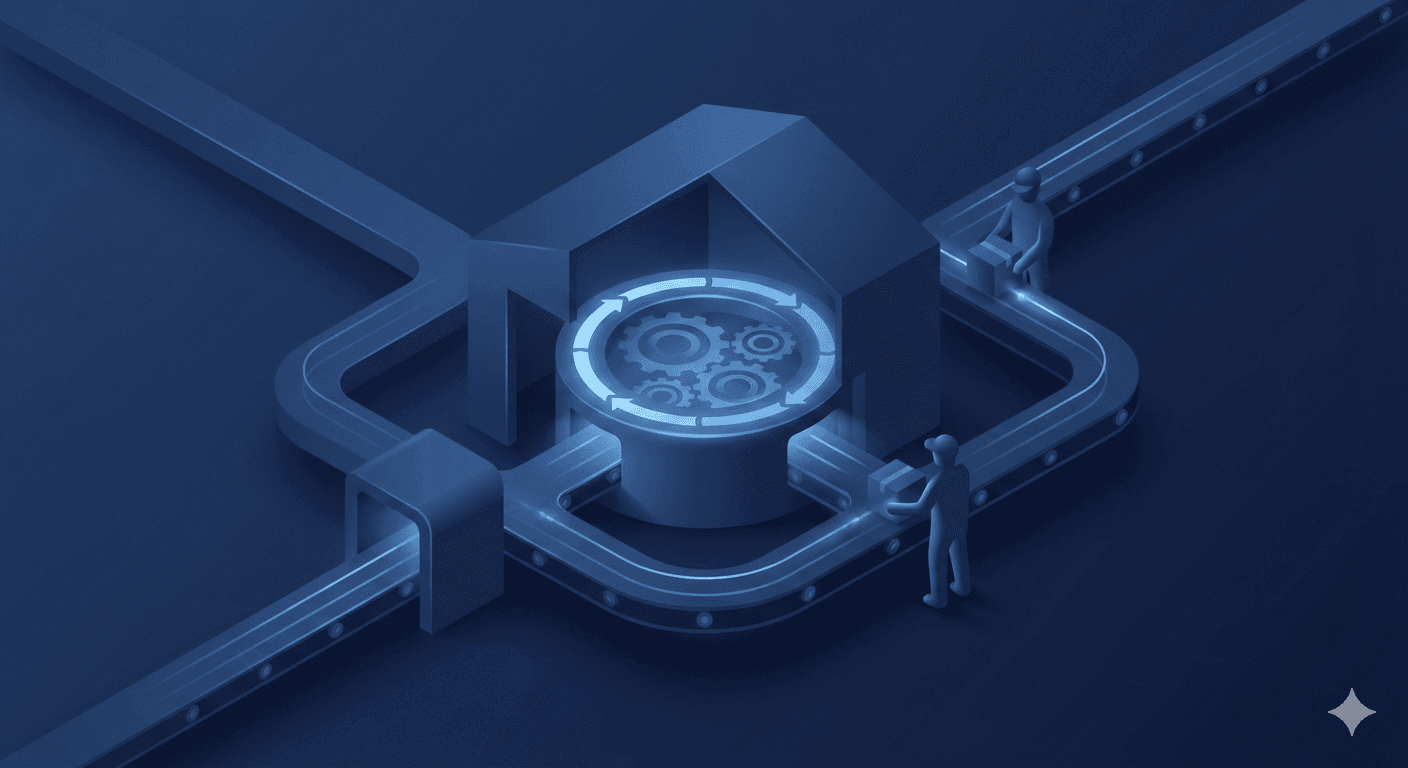
Gateway transit is a shipment tracking status that usually means the parcel has reached a gateway facility in the carrier’s network and is being processed for its next major move.
Think of it as a routing checkpoint.
In plain terms
- The parcel is inside the carrier’s network
- It has arrived at or is being processed by a sorting hub or transit facility
- The carrier is preparing it for linehaul or a handoff to another facility, partner, or last-mile provider
How it differs from “in transit”
- In transit is broad and generic
- It can mean “moving” or simply “somewhere in the network”
Gateway transit is more specific. It points to a known network node where freight is sorted, consolidated, scanned, and routed.
Where “gateway shipping” fits
You may hear teams say gateway shipping to describe this phase of the network. It’s not a shipping method. It’s a location in the flow where parcels are grouped and pushed into the next leg.
If someone asks for the gateway transit in status meaning, the shortest accurate answer is:
The parcel is at a carrier gateway and is being processed or queued for the next movement scan.
Where gateway transit happens
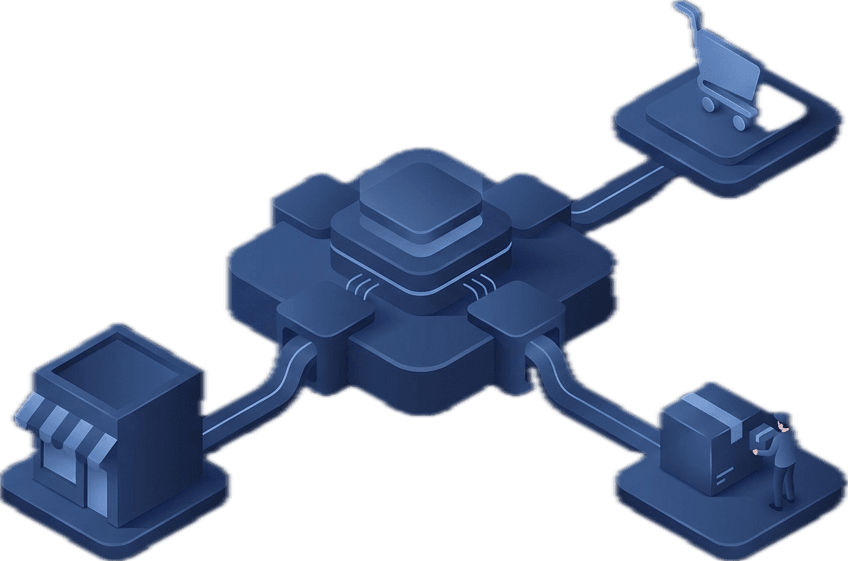
Most parcel networks follow a predictable structure. Names vary by carrier, but roles stay consistent.
Typical network flow
- Origin pickup or acceptance
- Origin hub (local sorting hub)
- Gateway facility (transit facility, regional or international gateway)
- Linehaul (long-distance movement by air or road)
- Destination hub
- Last-mile hub
- Out for delivery
Gateway transit usually appears at the gateway facility stage.
Key idea for operations teams
A gateway does not mean the truck or plane is already moving.
It’s often the point where movement is being scheduled—and where exceptions become visible if something is wrong.
Common stages you’ll see in tracking
Carriers use different wording, but the scan logic is broadly the same across networks.
Standard tracking events
- Shipment information received or label created
- Picked up
- Accepted or received at facility
- Arrived at sorting hub
- Processed at facility
- Departed facility
- Arrived at transit facility
- Gateway transit or arrived at gateway
- Handoff scan
- Linehaul departed or arrived
- Arrived at destination hub
- At last-mile hub or with delivery unit
- Out for delivery
- Delivered
Common exception-type statuses around gateway time
- Held for clearance or clearance in progress
- Address issue or insufficient address
- Label unreadable or barcode issue
- Missorted, forwarded, or rerouted
- Weather delay or operational disruption
Why shipments get stuck at gateway transit
When a shipment looks stuck at gateway transit, one of two things is happening.
- The parcel is waiting for the next scheduled movement
- The parcel hit an exception and needs intervention
Customs or clearance checks
At international gateways, missing or inconsistent invoice data, HS codes, or declared values can pause movement. Random inspections also happen even when documentation is correct.
Capacity limits and cutoff misses
Gateways work on departure schedules. Miss the cutoff and the parcel waits for the next linehaul. During peak periods, volume balancing can extend holds.
Misrouting or missort
Parcels can land in the wrong cage, pallet, or outbound lane. They may show gateway transit, then get quietly rerouted, delaying the next visible scan.
Missing scans
Sometimes the parcel moves but the departure or handoff scan does not post. Tracking looks frozen even though the shipment is in motion.
Label issues
Poor print quality, low contrast, damaged labels, or labels placed over edges cause scan failures. Manual handling at gateways adds delay.
Address issues
Invalid postal codes, incorrect cities, or missing consignee phone numbers can trigger holds before the parcel enters the last-mile network.
Weather or network disruption
Air and road disruptions surface first at gateways because that’s where freight queues and consolidates.
How long gateway transit usually takes
Gateway transit timing varies by lane, carrier, service level, and whether the shipment is domestic or cross-border.
Typical ranges
- Domestic major lanes: 6–24 hours, sometimes up to 48 hours
- Domestic remote lanes: 1–3 days due to lower departure frequency
- Cross-border shipments: 1–5 days, longer if clearance issues occur
What affects the range
- Linehaul frequency
- Express vs economy service
- Seasonal volume and promotions
- Exception rates
- Partner handoffs to last-mile providers
Ops tip for ETA messaging
Treat gateway transit as a “next scan pending” phase. Quiet windows are normal. The real signal is when the quiet window exceeds what’s normal for that lane.
How to prevent gateway transit delays
Most gateway delays are avoidable with strong upstream controls.
Label QA that actually works
- Use high-contrast printing
- Avoid eco or low-ink print modes
- Place labels flat, away from seams and edges
- Run a quick scan test at pack stations
- Protect labels from moisture and abrasion
Address validation before shipping
- Validate city and postal code combinations
- Enforce mandatory address fields
- Capture phone numbers in carrier-accepted formats
- Standardize address inputs to reduce free text
Cutoff planning and dispatch discipline
- Align warehouse cutoffs with carrier pickup schedules
- Build buffer time for peak days
- Track late tender volume and fix root causes
Handoff discipline
- Confirm the first physical scan after pickup
- Reconcile manifests against received scans
- Investigate “manifested but not received” gaps immediately
Exception queues with ownership
- Maintain a daily queue for shipments with no scans beyond normal windows
- Categorize by reason: label, address, clearance, capacity, unknown
- Assign owners and SLAs
- Review top exceptions weekly and fix upstream causes
Customer communication tied to visibility
When gateway transit is the current status, message clearly:
- What it means: the parcel is at a carrier gateway
- What’s next: awaiting the next movement scan
- What you’re doing: monitoring and escalating if it exceeds normal timing
This reduces tickets without sounding defensive.
When to escalate and what to ask the carrier
Escalate based on lane behavior, not emotion.
Good escalation triggers
- No scan 24–48 hours beyond normal domestic gateway timing
- No scan 3–5 days on cross-border lanes
- Repeated processed scans without departure
- Any unresolved exception status
Data to include in every escalation
- Tracking number and internal shipment ID
- Pickup date and location
- Last scan event, time, and facility
- Origin and destination details
- Service level
- Weight, dimensions, and piece count
- Declared contents and value
- Consignee contact details
- Label image if available
Questions that get answers
- Where is the parcel physically right now?
- Is it waiting for capacity or held for an exception?
- What is the exact exception category?
- What is the next planned movement window?
- Is any action required to release it?
Operations checklist dock
Do this today
- Spot-check label quality at pack stations
- Run an aging-at-gateway report
- Validate addresses for top gateway-hold lanes
- Send proactive gateway status updates
Set this up weekly
- Review exceptions by root cause
- Audit cutoff misses
- Reconcile manifests vs first scans
- Update lane-based gateway dwell benchmarks
Escalate when
- Gateway dwell exceeds lane thresholds
- Exceptions show no progress
- SLA risk or customer impact is high
FAQ
what is gateway transit in shipping?
It means the parcel is at a carrier gateway facility being processed and queued for the next leg of movement.
Is gateway transit the same as in transit?
No. In transit is generic. Gateway transit refers to a specific network node where routing and consolidation occur.
What does “gateway transit in” status meaning refer to?
It’s a wording variation that usually means the parcel is at the gateway and awaiting the next movement scan.
How long should a parcel stay in gateway transit?
Domestic shipments usually move within 6–48 hours. Cross-border shipments often take 1–5 days, depending on clearance and lane behavior.
Why is there no update after gateway transit?
Often it’s a missing scan or a queue for the next departure. Escalate only when it exceeds normal timing for that lane.
Does gateway transit mean customs?
Sometimes, if the gateway is international. Domestic gateway transit does not involve customs.
What should customer support say when status is gateway transit ?
Explain that the parcel is at a carrier gateway, awaiting the next movement, share a realistic ETA range, and set a clear check-in time.
Can gateway delays be reduced without changing carriers?
Yes. Label quality, address validation, cutoff discipline, and structured exception workflows reduce most gateway issues.
Conclusion
Gateway transit may sound vague, but it represents a real operational checkpoint where parcels are sorted, routed, and queued for their next leg. Most delays come from predictable causes: capacity timing, missed cutoffs, scan gaps, misroutes, label problems, or address issues.
To reduce escalations and customer tickets, focus on upstream quality and consistent exception handling. And when gateway transit is the current status, calm, clear communication paired with lane-based expectations goes a long way.
If you manage high volumes, a structured exception workflow is the difference between noise and control.
Share On